How to choose
Matching a laptop's specification to the work you actually do
Start from the work, not the processor name. Memory, screen and whether a desktop suits you better, with the Irish consumer rights that outlast any warranty.
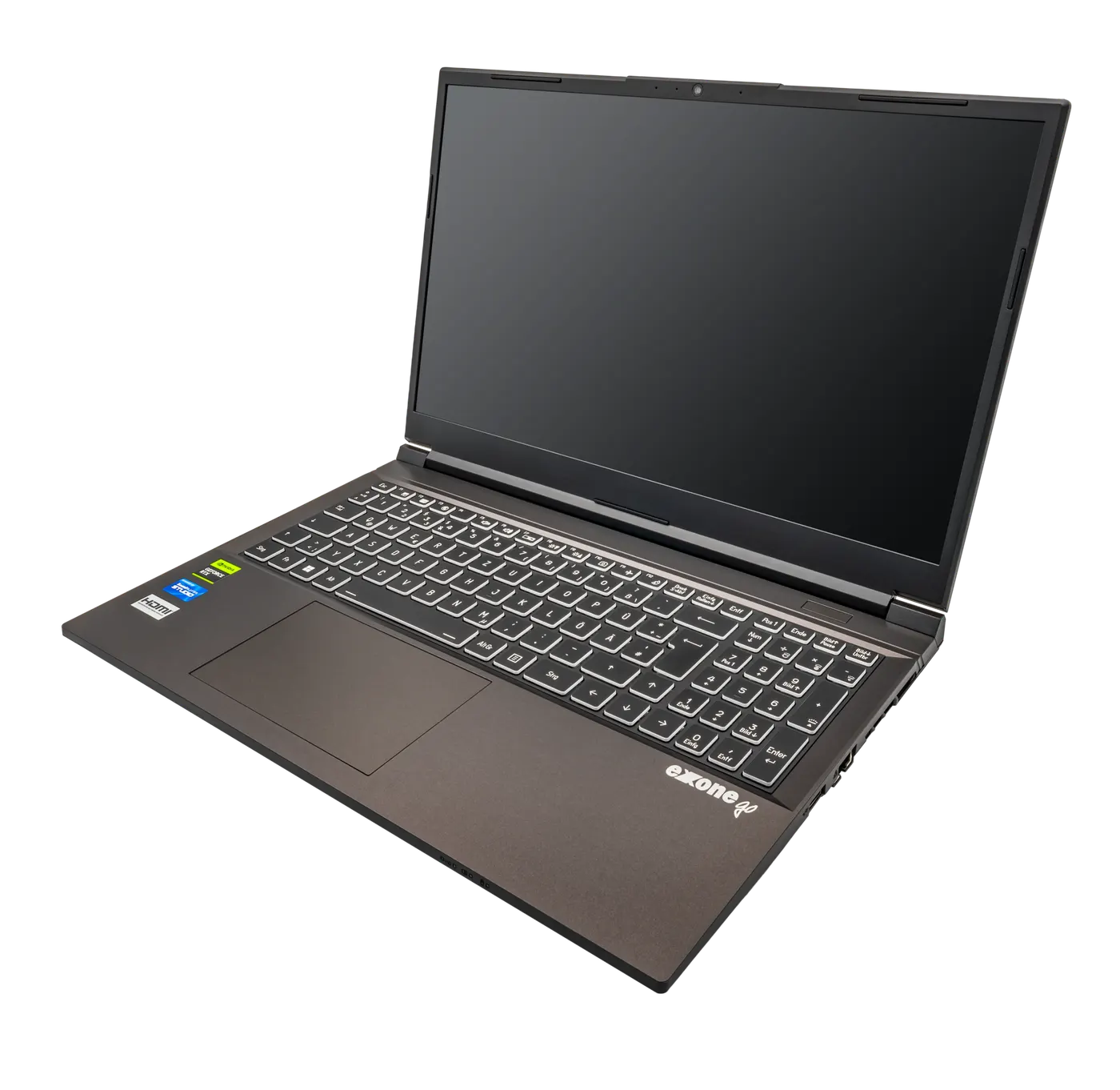
Laptop specifications are written to be compared, which is not the same as being useful. A processor name and a clock speed sit at the top of every listing, and for most of the work people actually do they are the third or fourth thing that matters.
This guide starts from the work instead. It sets out what limits each kind of task, which parts you can change after purchase and which you cannot, how a laptop compares with a desktop once the electricity is counted at the published Irish household price, and what your rights are in Ireland if the machine turns out not to do the job. Prices below are examples used to show arithmetic; no price feed is connected to this site.
Start from the work, not the processor name
Different work runs into different walls. Keeping thirty browser tabs, a spreadsheet and a video call open at once is limited by memory. Editing photographs is limited by memory and by how fast the storage reads large files. Compiling code or rendering video is limited by sustained processor speed, which is a cooling question as much as a silicon one.
That distinction matters because the parts are priced very differently. Moving from 8 GB to 16 GB of memory is usually the cheapest upgrade on a configuration page and the one that changes the most for ordinary office work. Moving up two processor tiers costs considerably more and changes almost nothing if what you are short of is memory.
Write down the three things you spend most hours doing before you open any listing, then read the table below rather than the specification sheet. The right machine is the one whose weakest part is still above the wall you actually hit.
| What you do most | What runs out first | What to spend on | What not to spend on |
|---|---|---|---|
| Browser, email, documents, video calls | Memory | 16 GB of memory | Processor tier, discrete graphics |
| Spreadsheets with large models | Memory, then single-core speed | 16 to 32 GB, a current mid-tier processor | Discrete graphics |
| Photo editing | Memory and storage read speed | 16 to 32 GB, a fast internal drive | Peak clock speed |
| Video editing or code compilation | Sustained processor speed | Cooling and a chassis with room for it | The thinnest chassis in the range |
| Study, note-taking, light research | Battery life and screen quality | Screen and battery capacity | Processor tier, extra storage |
Rows describe the usual order in which each workload hits a limit. Your own order may differ, which is why the first step is writing down what you actually do.
Memory and storage are the two you may not be able to change later
On a growing number of thin laptops the memory is soldered to the board, which means the configuration you buy is the configuration you keep for the life of the machine. That turns a modest difference at purchase into a permanent one, and it is the single most common reason a three-year-old machine feels unusable while an older, better-specified one does not.
Storage is more often replaceable, but not always, and a drive filled to the last few percent slows down regardless of its type. A practical rule is to buy at least double the storage you currently use, because the gap closes faster than people expect once photographs and installed applications accumulate.
So the order of questions on a configuration page is: is the memory soldered, how much is fitted, and is there a free drive slot. A machine with 8 GB soldered and no expansion is a different product from one with 8 GB in a socket, even where the listing price and the processor name are identical.
- Find the maintenance or service manual for the exact model and check whether memory is socketed or soldered
- If it is soldered, treat the fitted amount as permanent and buy 16 GB as the working minimum
- Check whether there is a second drive slot, and whether using it voids anything in the written guarantee
- Look at how much storage you use today and buy at least twice that
- Confirm the drive is a standard size and interface rather than a proprietary module
- Note the battery part number and whether a replacement is sold separately

The screen is the part you look at for every hour of use
Screen size and resolution together decide how much fits in one window, and that is the specification you will notice every day. A 13-inch screen and a 16-inch screen at the same resolution show the same content at different physical sizes; a 16-inch screen at a higher resolution shows more of a spreadsheet at once, which is the thing that actually saves time.
Finish matters as much as pixels in a room with windows on two sides. A glossy panel renders colour well and reflects everything behind you; a matte panel scatters that reflection at a small cost in contrast. If your desk faces away from the window, either is fine. If it faces into one, matte is the practical choice.
Desk depth decides viewing distance, and viewing distance decides the size that is comfortable. Measure from the back of the desk to where your chest sits before choosing between a 14-inch and a 16-inch machine, because a large screen at 50 cm is worse to read than a smaller one at the same distance.
| Choice | What it changes | When it is worth paying for |
|---|---|---|
| Larger diagonal | Physical size of text and windows | Fixed desk use, long documents, two windows side by side |
| Higher resolution | How much content fits at readable size | Spreadsheets, code, photo editing |
| Matte finish | Reflections in a bright room | Desks facing a window or under downlights |
| Higher brightness | Usability in daylight | Working near windows or outdoors |
| Taller aspect ratio | Lines of a document visible at once | Writing, reading and long documents |
Laptop or desktop, once the electricity is counted
A desktop gives you more performance for the money, room for more storage and a power supply you can replace. It also uses more electricity, and in Ireland that is not a trivial line. SEAI's published household electricity series puts the Irish price at 38.4 cent per kWh in the second half of 2025, against 31.0 cent for the euro area and 29.4 cent for the EU-27 over the same period.
Put a working pattern through that. A laptop drawing an average 30 W for 8 hours a day over 250 working days uses 60 kWh a year, which is €23.04. A desktop and monitor drawing an average 120 W over the same pattern uses 240 kWh, which is €92.16. The difference is about €69 a year, or roughly €345 over 5 years.
That difference does not settle the question on its own; it sizes it. If the desktop is €300 cheaper for the same performance, five years of electricity cancels the saving. If you need the expansion and the replaceable parts, the running cost is the price of getting them.
| Set-up | Average draw | kWh a year | Cost a year |
|---|---|---|---|
| Laptop alone | 30 W | 60 kWh | €23.04 |
| Laptop plus an external monitor | 55 W | 110 kWh | €42.24 |
| Desktop tower plus monitor | 120 W | 240 kWh | €92.16 |
Each row is average draw times 8 hours times 250 days, converted to kWh and multiplied by €0.384. Average draw is an assumption for the pattern described, not a measurement of any product; the running-energy calculator on this site takes your own figures.
What your rights are in Ireland if it does not do the job
The Competition and Consumer Protection Commission sets out three periods that matter, all under the Consumer Rights Act 2022. If a fault appears within 30 days of purchase or delivery you have a short-term right to cancel and get a full refund. If a fault appears within the first 12 months, the law presumes it was there when you bought the machine, so you do not have to prove anything.
Beyond that, your right to a repair, replacement, price reduction or refund lasts up to 6 years from purchase. The CCPC is clear that the business you bought from is responsible for providing the remedy and cannot pass you to the manufacturer. A one-year manufacturer guarantee sits on top of those rights rather than replacing them.
There is a separate right if you simply change your mind. For goods bought online, by phone or by mail order, the cooling-off period is 14 days from receiving the goods, with a full refund including standard delivery costs. Personalised or made-to-order goods are excluded from that right, which matters if you configure a machine to order.
| Period | What it gives you | Source |
|---|---|---|
| 14 days | Change of mind on an online or phone purchase, full refund including standard delivery | CCPC, changing your mind |
| 30 days | Short-term right to cancel a faulty purchase for a full refund | CCPC, faulty goods |
| 12 months | Fault is presumed to have existed at purchase; no proof needed from you | CCPC, faulty goods |
| 6 years | Right to repair, replacement, price reduction or refund | CCPC, faulty goods |
A commercial guarantee from a manufacturer is additional to these statutory rights, not a substitute for them. Configure-to-order machines may fall outside the 14-day change-of-mind right.
Before you buy
- Write down the three things you spend most hours doing before opening any listing
- Check the service manual for whether memory is soldered or socketed on that exact model
- Buy 16 GB as a working minimum where memory cannot be added later
- Buy at least twice the storage you currently use
- Measure desk depth before choosing between a 14-inch and a 16-inch screen
- Put your own hours and the SEAI price into the running-energy calculator before choosing a desktop
- Keep the receipt: the 6-year remedy period under the Consumer Rights Act 2022 runs from purchase
Questions readers ask
- Is 8 GB of memory still enough?
- For a browser, email and documents it works today. The question is whether it will in year four, and on a machine with soldered memory you cannot revisit that decision. If the listing shows 8 GB soldered with no expansion, treat the upgrade to 16 GB as part of the purchase price rather than as an option.
- Does a faster processor fix a machine that feels slow?
- Only when processor speed was the limit. Most everyday slowness comes from memory pressure, a nearly full drive, or a thin chassis that cannot keep the processor at speed for long. Run the work you actually do and watch which of those three gives way first, then spend on that part rather than on the headline tier.
- How long should a laptop last?
- Long enough that the cost-per-year arithmetic works, which usually means five years or more. Your statutory right to a repair, replacement or refund in Ireland runs up to 6 years from purchase under the Consumer Rights Act 2022, which is a useful benchmark for how long a machine sold as fit for purpose ought to keep working.
- Should I buy a desktop instead?
- A desktop gives more performance per euro, more storage room and replaceable parts, and costs about €69 a year more in electricity on the pattern in this guide. If you work in one place, need expansion and keep the machine beyond five years, that difference is usually worth paying. If you move between rooms, it is not.
- Can I return a configured-to-order laptop if I change my mind?
- Often not. The CCPC states that personalised or made-to-order goods fall outside the 14-day change-of-mind right for online and phone purchases. That exclusion does not touch your rights over faulty goods, which still run to 30 days for a refund, 12 months for presumed fault, and 6 years for a remedy.
Sources
- CCPC — Faulty goods: 30 days, 12 months and 6 years under the Consumer Rights Act 2022 — checked 2026-11-03
- CCPC — Changing your mind: 14-day cooling-off period for online and phone purchases — checked 2026-11-03
- SEAI — Household electricity prices, Ireland, euro area and EU-27 (38.4 cent per kWh, 2025 second half) — checked 2026-11-03
Advertising is not enabled on this site yet. When it is, ads will be labelled and kept visually separate from the guides.